Remove distractions
Brush over an object or select an area. Use fast processing, or switch to detailed mode.
Remove Objects and Backgrounds from Photos
Brush away what gets in the way.
Make the photo you meant to take.
Edit photos on your device. No uploads required.


App screenshot · English UI · Keep your subject. Remove the person behind.
More possibilities. Less distraction.
From background people to small distractions. Explore real changes in real photos. Open any pair for a closer look.
 Original After
 Original After
 Original After
 Original After
 Original After
 Original After
 Original After
 Original After
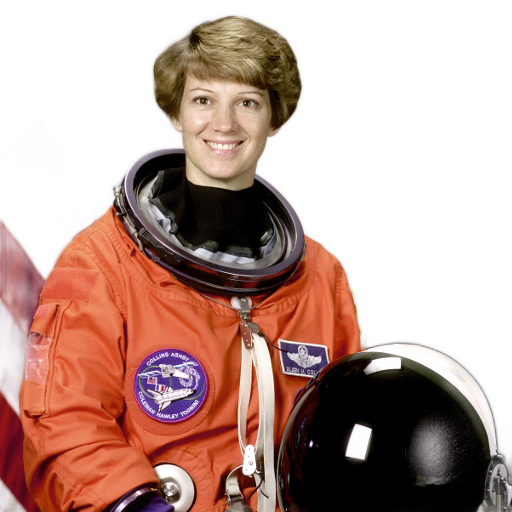 Original After
 Original After
 Original After
 Original After
 Original After
These examples show real editing results. Results vary by photo and selection. Please check before saving.
We added these watermarks ourselves to demonstrate editing legally usable images.
Image creditsSimply enough.
Brush over an object or select an area. Use fast processing, or switch to detailed mode.
Separate your subject from its surroundings. Export a transparent PNG and keep creating.
Compare with the original, undo or redo. Export a new copy without overwriting your original.
Your photos belong to you.
Remove objects and backgrounds right on your device. No photo uploads to developer servers, and no account required.
Explore our privacy policyPurchases may need internet access. iCloud, system Photos and your chosen sharing services follow their own sync settings.
Before you begin
Editing, object removal and background removal are free. Free exports have a watermark and a maximum long edge of 640 pixels, without upscaling. A subscription or lifetime purchase enables watermark-free exports up to 2560 pixels. Plans and local prices appear in the app and Apple's confirmation sheet.
Photos are automatically scaled down to a maximum long edge of 2560 pixels on import. Originals are unchanged and smaller images are not enlarged. Paid exports use this editing size, not the source file's higher resolution.
Photo processing runs on your device, with no account or upload. Purchases, restoring purchases, and system Photos or file services may need a connection.
Results depend on the photo, selection and surrounding textures. Adjust the selection or try detailed mode on compatible devices. AI may create unnatural details. Check the result; removal is not secure redaction.

REMOVE ANYTHING
Made for iPhone, iPad and Mac
Edit for freeFree exports have a watermark and a maximum long edge of 640 px.
Unlock watermark-free exportSubscribe or buy once to export at editing size, up to 2560 px on the long edge.